Sign Up
How to sign up in order to gain access to ElectroNeek's products.
Overview
To start using ElectroNeek products, contact us through our website to set up a call with a representative. Once we have sorted out all commercial aspects, you will be granted access to the platform.
Join the organization
As soon as your account is generated, you will receive an email with the subject "Invitation to the organization".
Follow the link in the email to set up your account. You will have to provide your name, position, and a sign-in method.
For the sign-in method, you may choose between a password, or Single Sign-On (SSO) via Google or Microsoft.
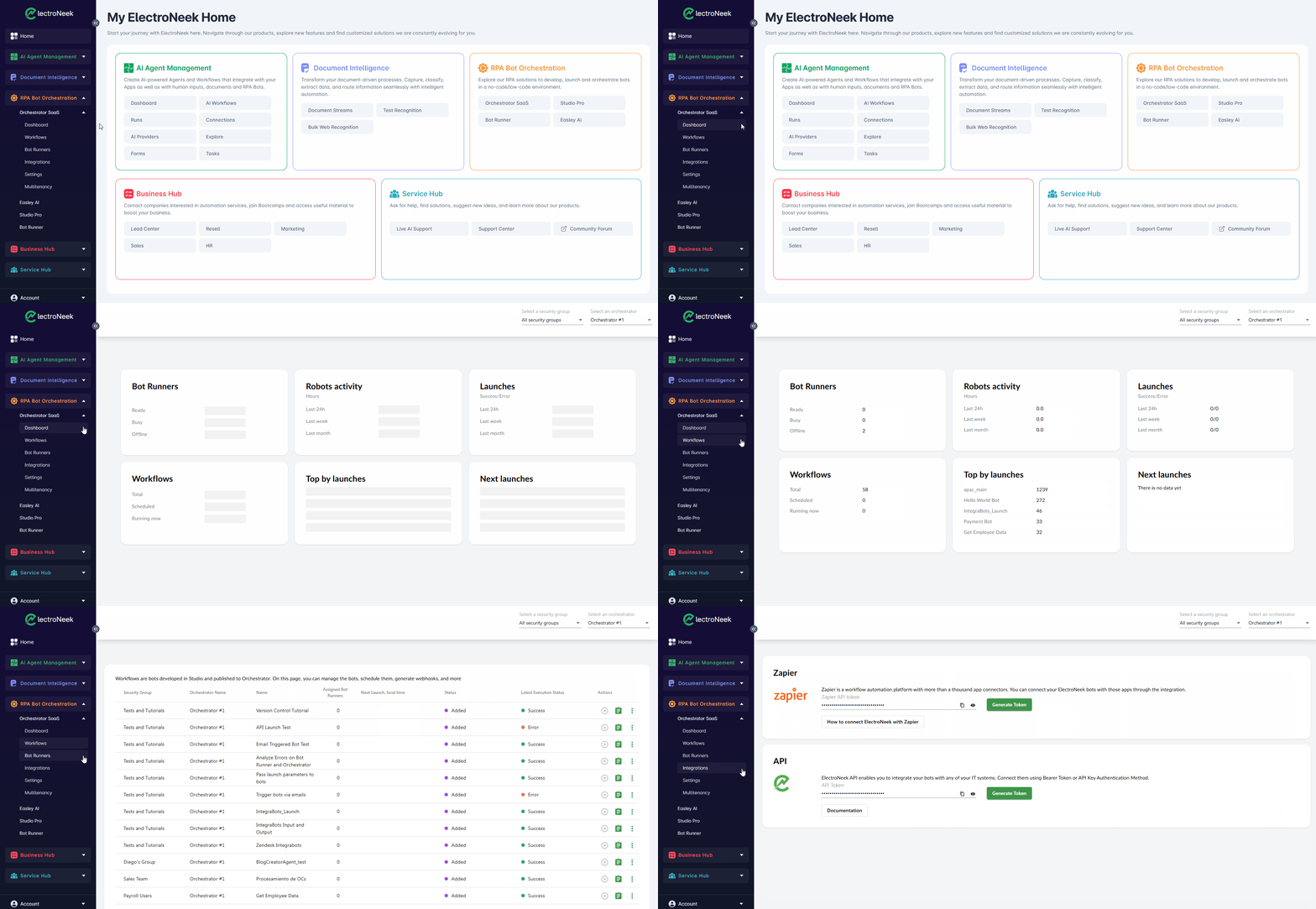
Once you've finished setting up your account, you will have to log in, and you will then reach the User Portal.
Download Products
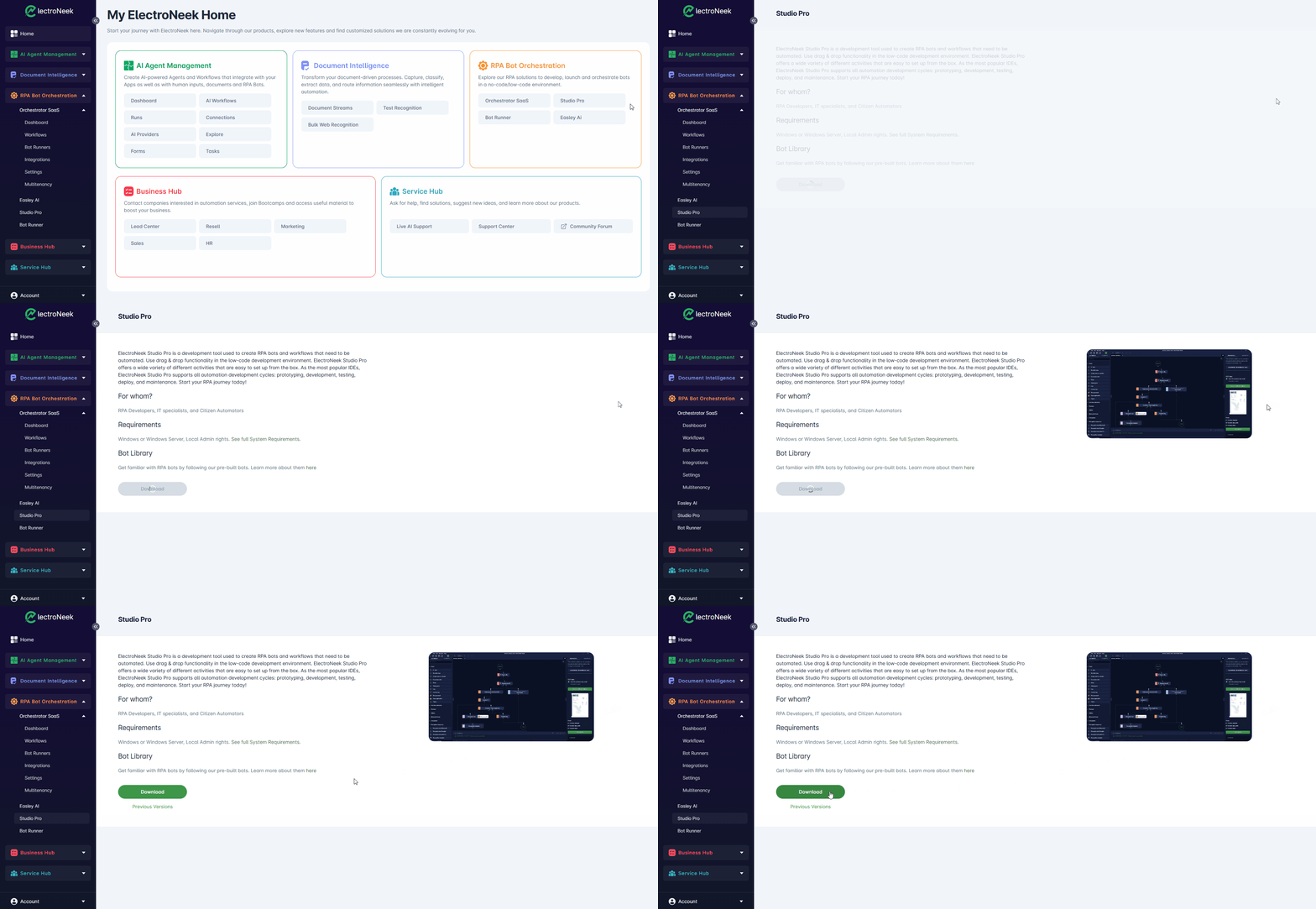
Once you have access to the User Portal, you can download Studio Pro and Bot Runner by navigating to the product's respective page in User Portal → RPA Bot Orchestration.
Online Products
The rest of ElectroNeek's products, such as AI Agents, IntelliDocs and Orchestrator, are all browser-based and live inside the Portal. None of them need an app to be downloaded.